How Keina Works Under the Hood
Clear boundaries across local storage, squad structure, model routing, mailbox workflows, browser profiles, and scheduled pipelines.
Jump to section
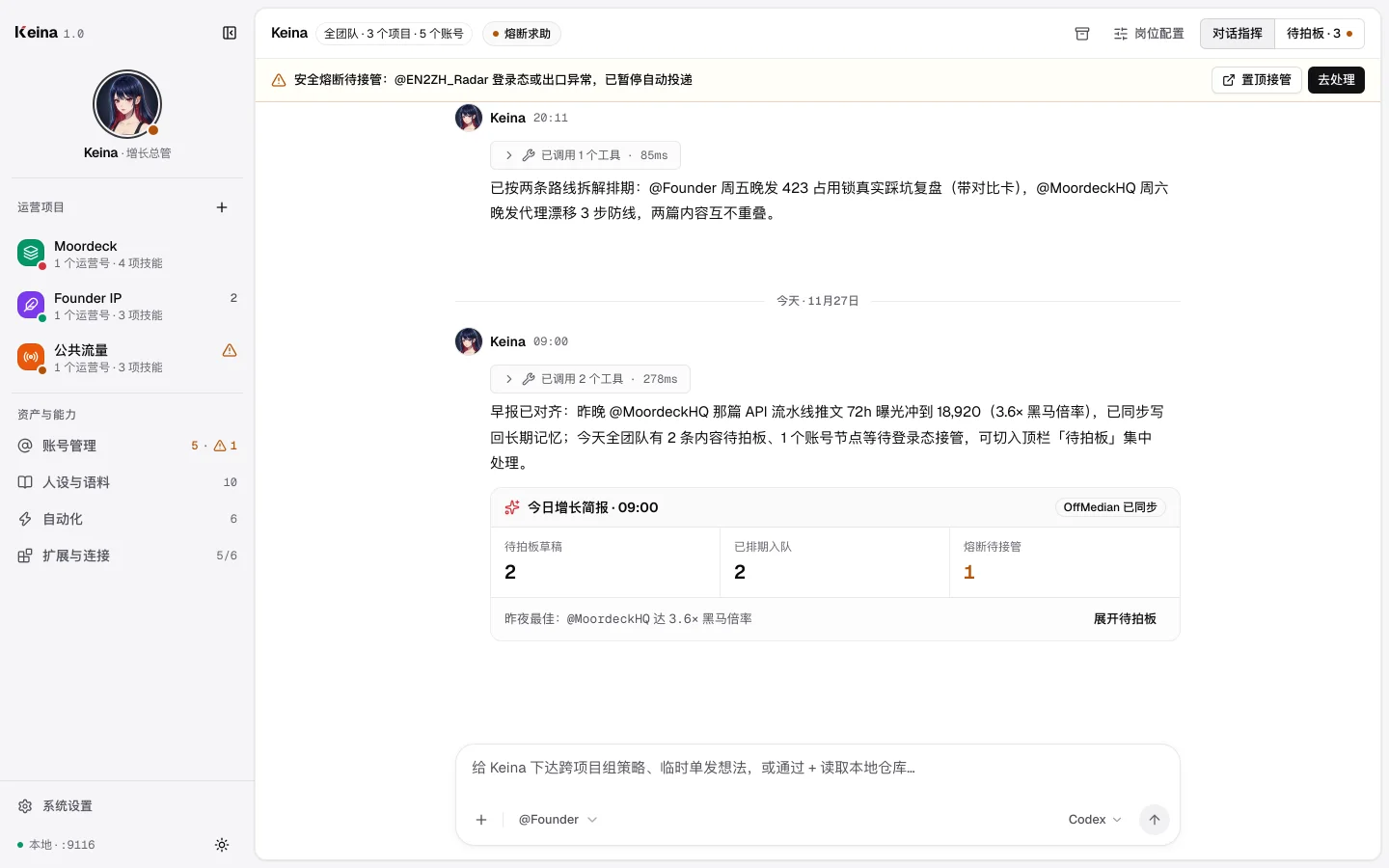
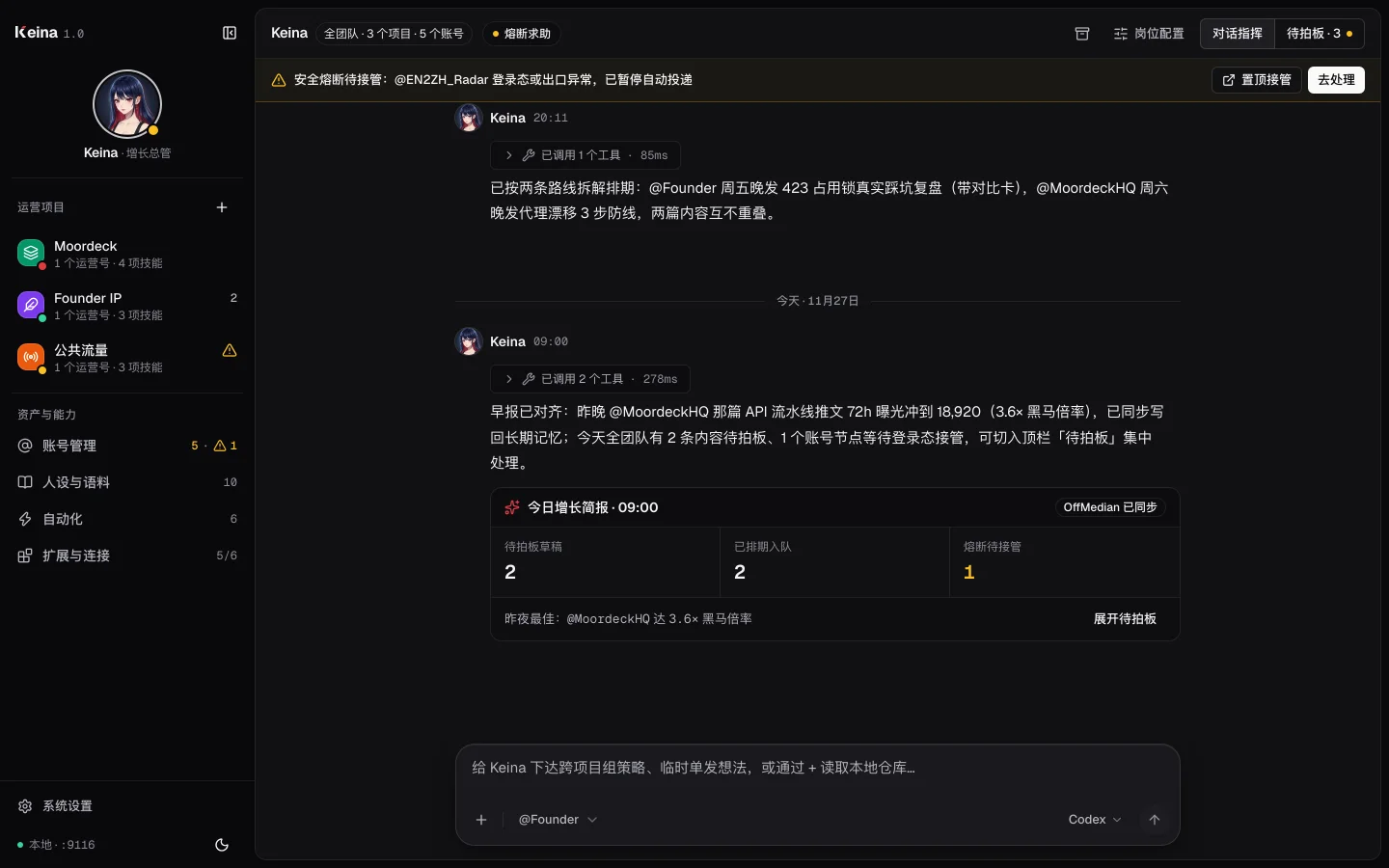
Keina runs a lightweight desktop UI alongside a dedicated local background service and SQLite store on your machine.
- First launch opens straight into Keina’s command desk while the isolated browser prepares silently in the background.
- All projects, drafts, proxy assignments, and engagement metrics stay in local SQLite storage on your machine.
- Press Cmd+K / Ctrl+K anywhere to jump across squads, accounts, mailboxes, live runs, or settings.
# Install via Homebrew (macOS · upcoming)
brew install --cask keina-app/tap/keina

# Local database & encrypted vault directory (macOS v1.0)
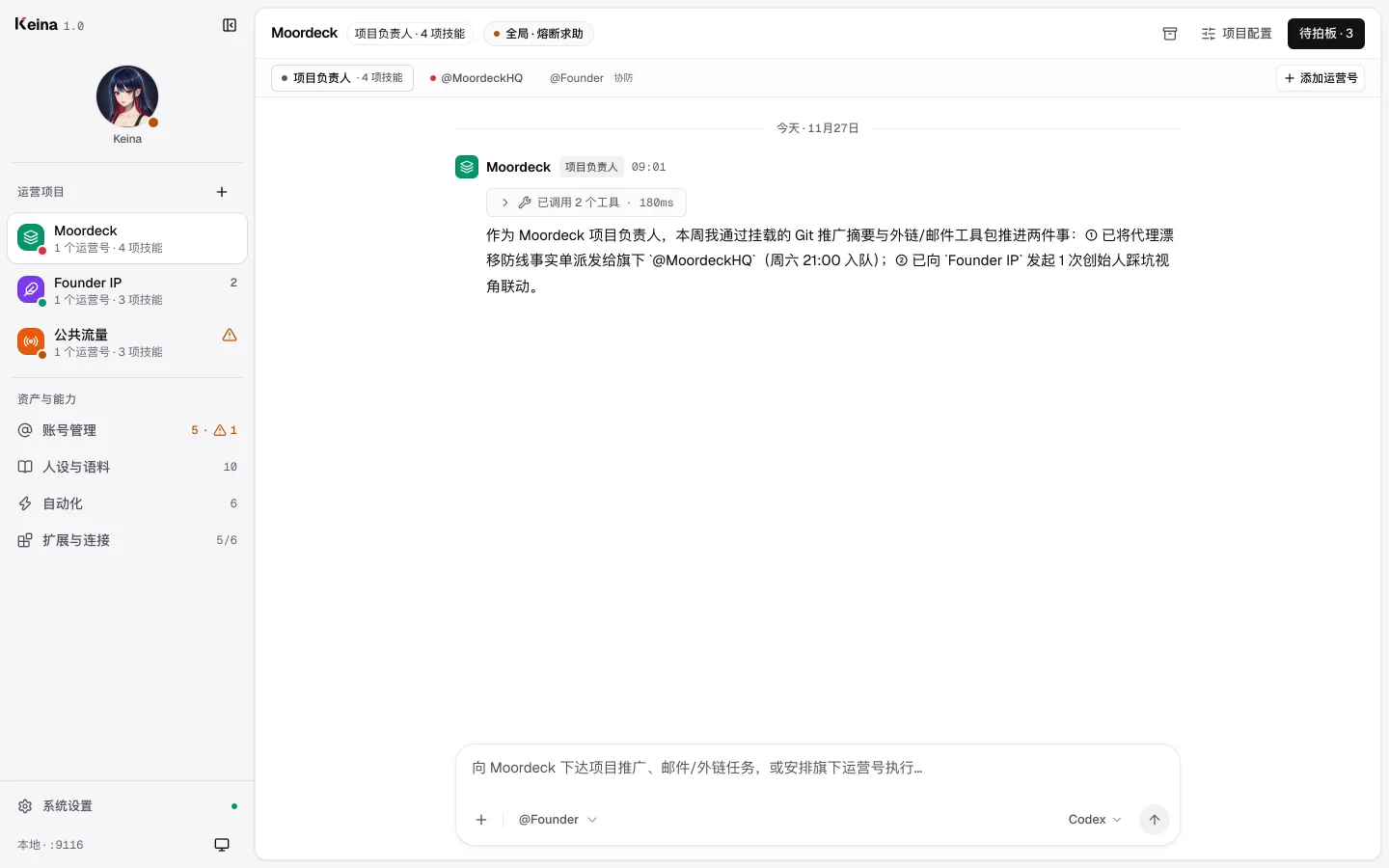
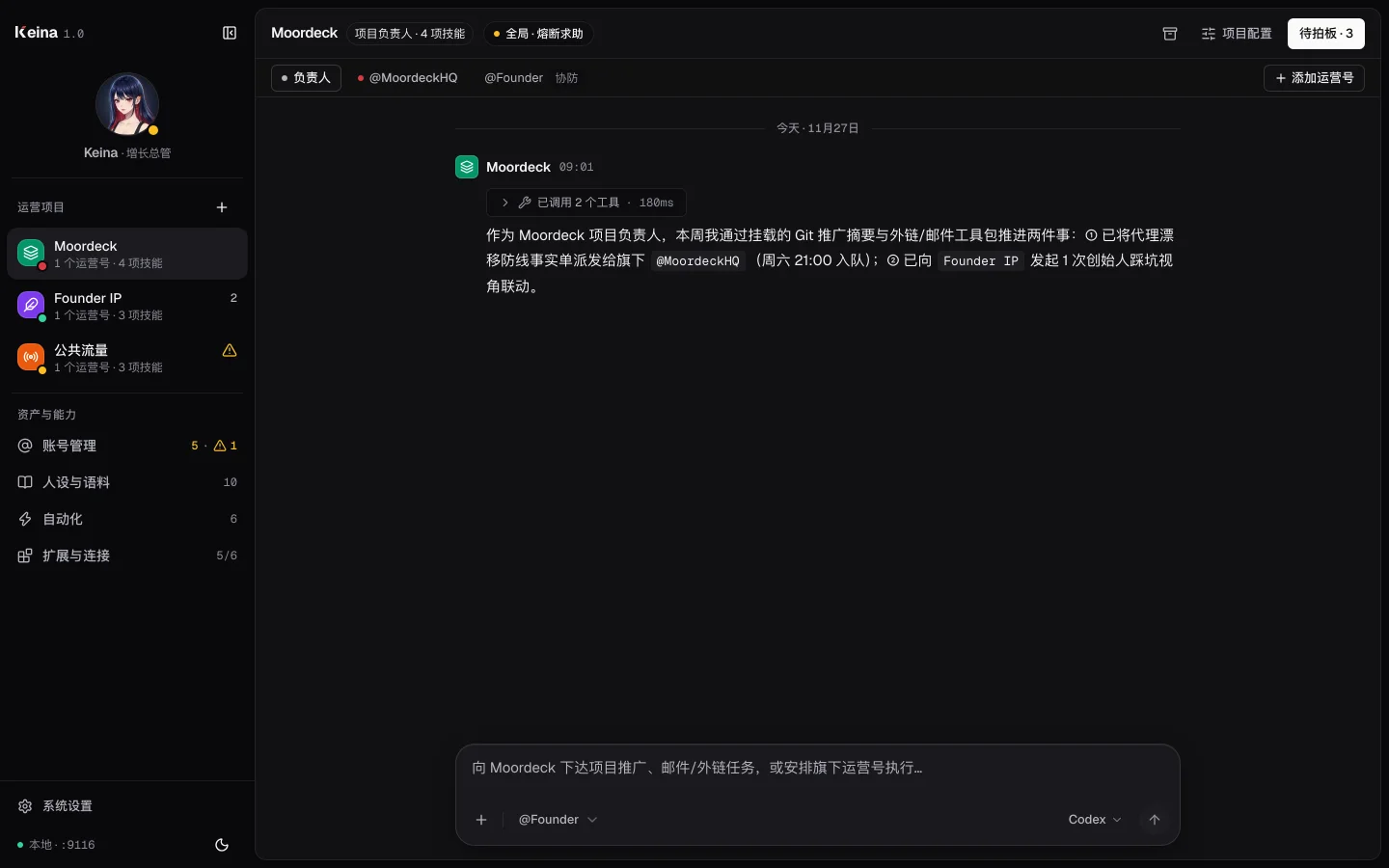
~/Library/Application Support/Keina/Organize work into Product squads (linked to a read-only Git repo) and Media squads (focused on founder voice and industry signals).
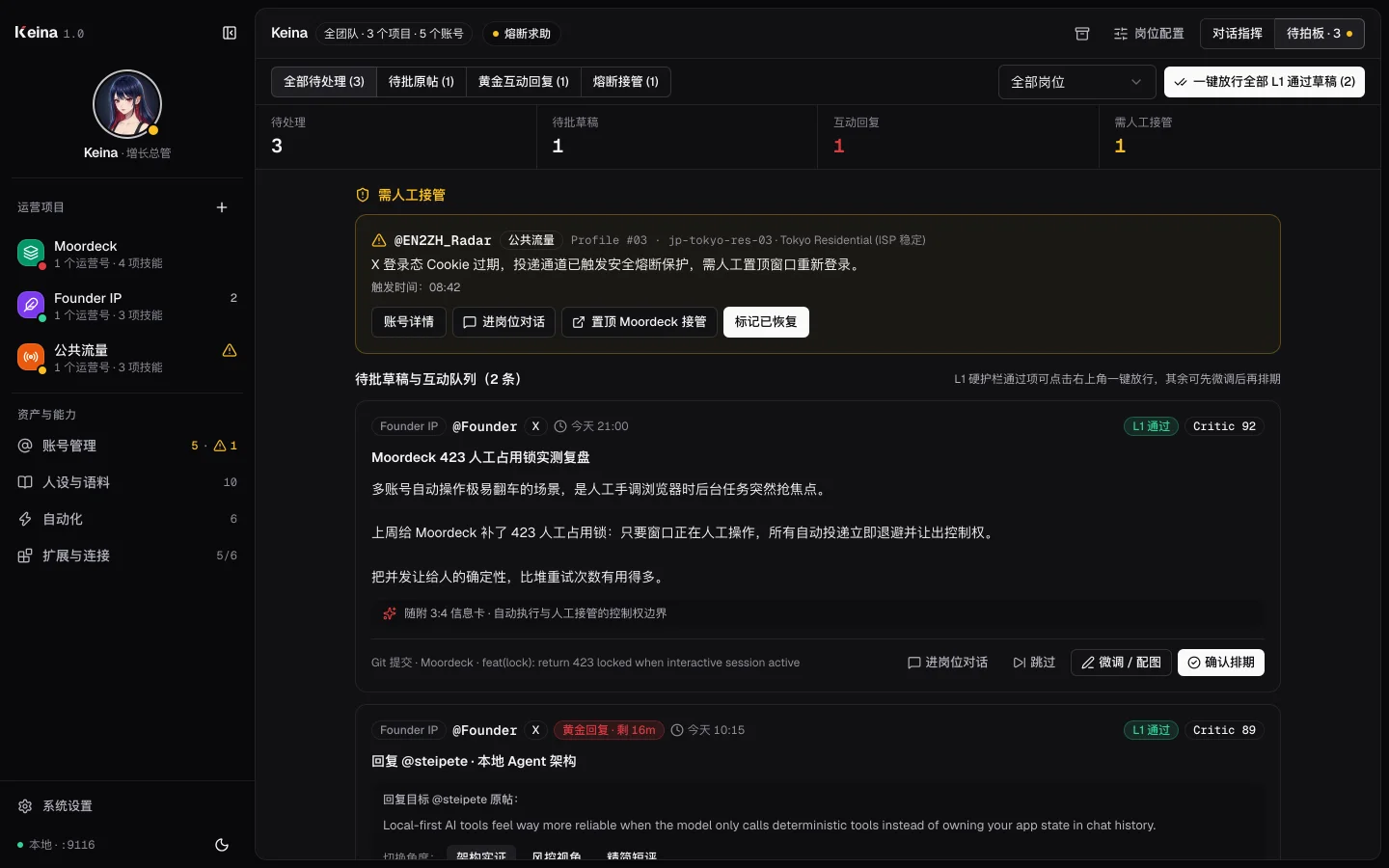
- Squad Lead: owns strategy, Git launch notes, 3:4 card generation, topic monitoring, and cross-account scheduling.
- Account Assistants (1:1): each maps to a single physical social handle with its own memory, daily quota, and zero repo write access.
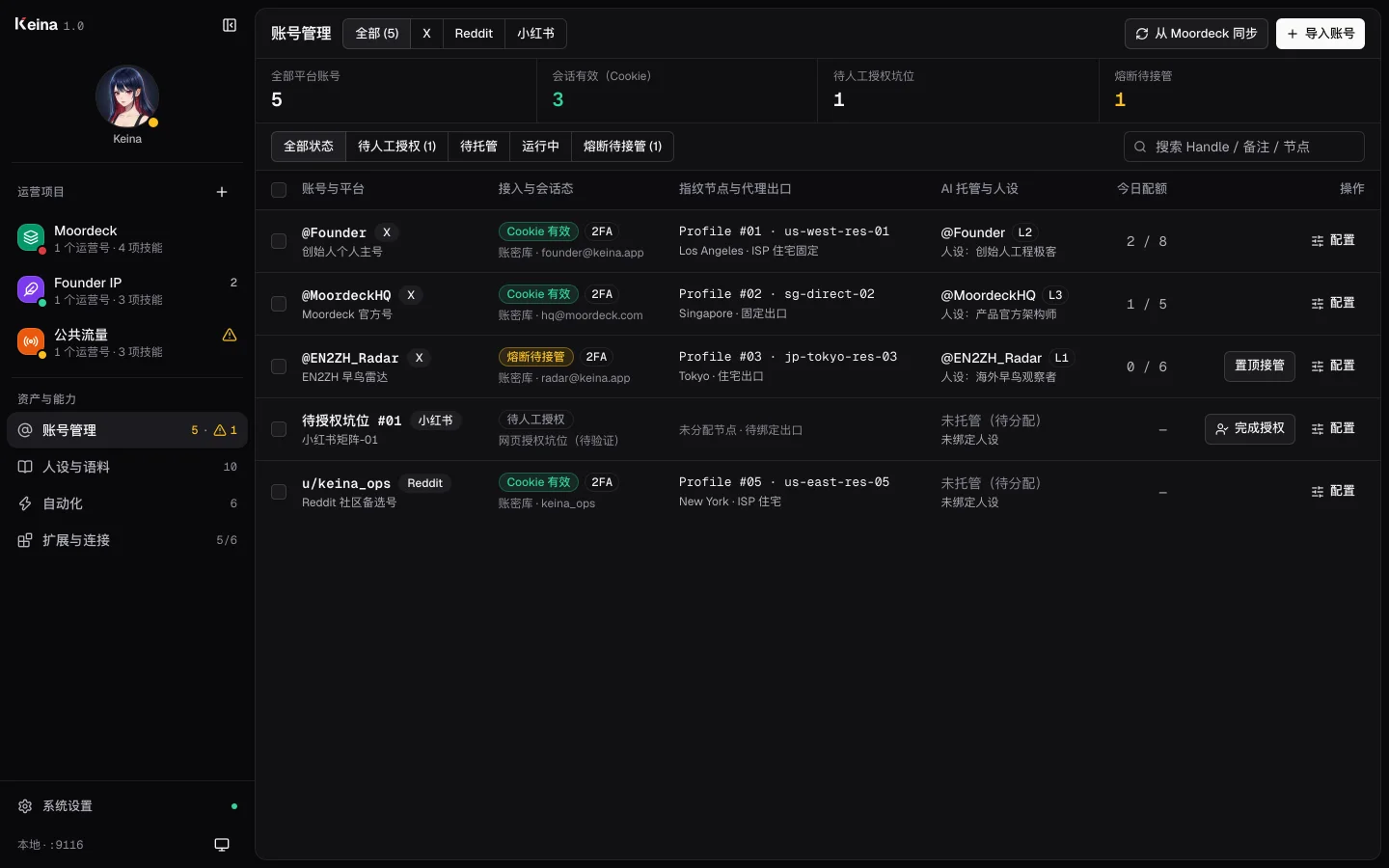
- Browser profiles and proxy bindings stay physically tied to the underlying account.
Start with Keina’s built-in engine using any API key, or assign individual agents to Codex CLI or Claude Code.
- Built-in engine supports Anthropic, OpenAI, OpenRouter, DeepSeek, Kimi, GLM, and auto-detected local model gateways.
- CLI mode reuses your local login session cleanly with zero edits to ~/.codex or ~/.claude config files.
- Automatic 60-second cooldown and fallback routing protect workflows during upstream rate limits.
Keina manages its own lightweight browser profiles with per-account fingerprints and strict proxy rules.
- Supports direct connection or custom HTTP, HTTPS, and SOCKS5 proxies per account.
- Database constraints guarantee two accounts on the same platform never share a proxy.
- If a bound proxy goes offline, the task pauses automatically so your home IP stays protected.
Schedules, heartbeats, and repo triggers run through a clean, allowlisted workflow format.
- Safe, typed steps inspect Git commits, triage mailbox signals, filter relevant discussions, render 3:4 cards, and queue drafts.
- Only verified, typed workflow steps can run on a schedule.
- Active-hours windows and idle checks prevent unnecessary overnight token spend.
{
  "trigger": "cron",
  "cronExpr": "30 8 * * *",
  "activeHours": "08:00-23:00",
  "steps": [
    { "op": "read_git_commits", "sinceHours": 24 },
    { "op": "filter_signals", "minScore": 0.75 },
    { "op": "render_info_card", "aspect": "3:4" },
    { "op": "delegate_to_operator", "style": "founder_ip" }
  ]
}Link your personal Telegram chat to receive autonomous daily briefs, breakout alerts, and high-stakes decision cards.
- Configure full autopilot or key-decision checkpoints per squad—1-tap responses in Telegram sync safely with conflict protection.
- Always-on filters redact private keys, tokens, and local network addresses before drafts are queued.
- Customize banned clichés, minimum quality scores, and notification rules to match your voice.
Keina includes a top-level Mailbox workspace powered by direct local IMAP and SMTP connections—autonomously running inbox triage, OTP extraction, lead follow-ups, and outreach.
- Supports multi-mailbox management plus Catch-all and sub-address routing (*@domain.com, name+tag@...) to automatically route messages to the right product squad or social handle.
- Automatically extracts login OTP codes, platform security alerts, directory review updates, billing notices, and partnership inquiries—ready to inspect or delegate in one click.
- Supports per-mailbox scopes (OTP & alerts vs. autonomous squad send/receive), isolates untrusted email bodies from long-term memory, and offers optional checkpoints for high-stakes outreach.
Ready to run Keina locally?
Download the macOS desktop preview or review our local-first security boundaries.